“A year went by, and I cannot say on what”
Plans lie, marks do not. You think you live for your family, and a week of marks shows two thirds of it went into work. That is not a reproach, it is a number you cannot argue with.
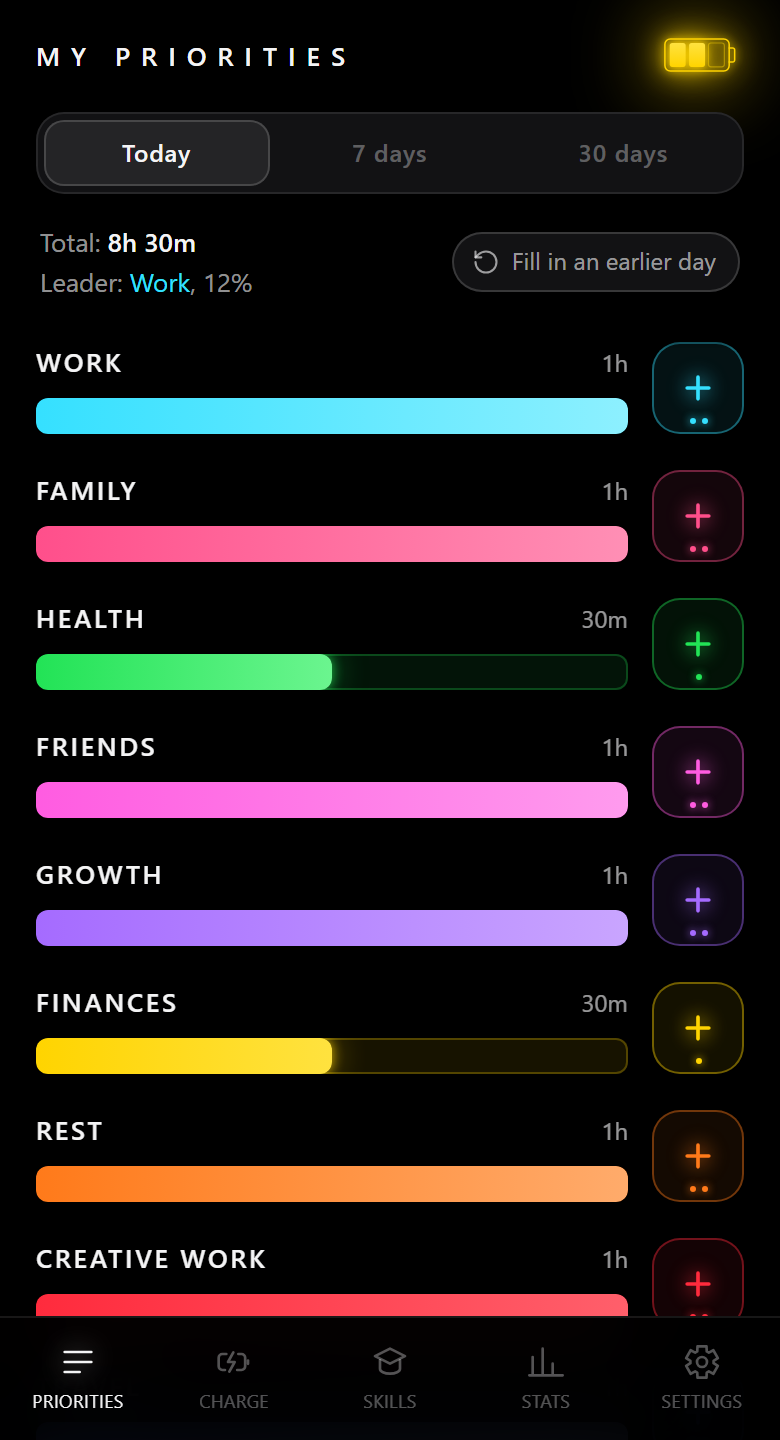
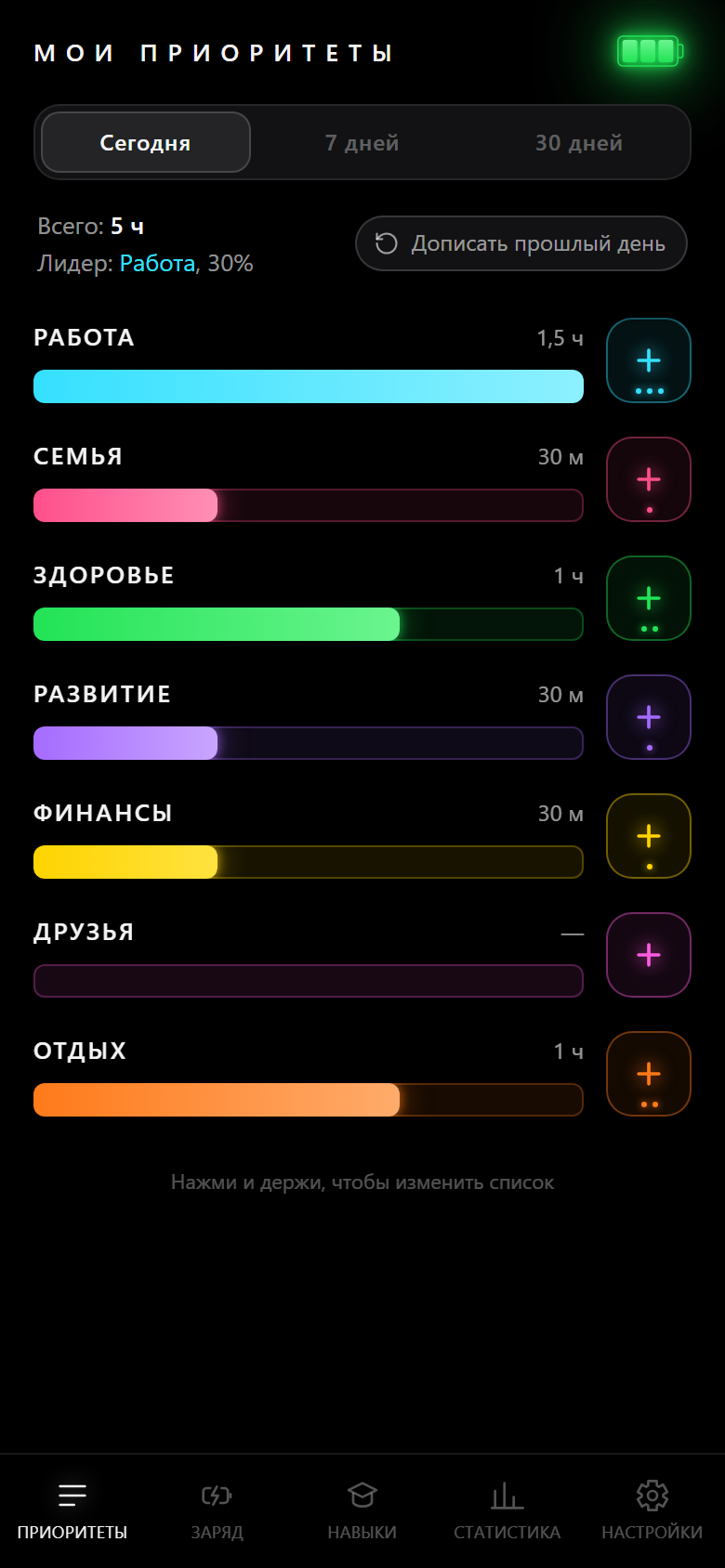
The app: My Priorities
In 7 days you will see how you live and what your main priority really is
No sign-up, no SMS :)
Starting the live app…
Today
Tap “+” — that is half an hour of your life
Why bother
Find out what you actually spend time on, what takes your energy and what gives it back, and which skills you are really building. Learn to focus on what matters.
“A year went by, and I cannot say on what”
Plans lie, marks do not. You think you live for your family, and a week of marks shows two thirds of it went into work. That is not a reproach, it is a number you cannot argue with.
“I am tired, and I cannot remember what from”
Four hours of work at full charge and four hours on empty are two different four hours. The app asks what drained the battery, and a month later you have a list — with the same line at the top every time.
“Years went in, and there is nothing to be proud of”
Noticing the ground already covered makes the walking easier. The hours you put into a skill stop being a feeling and become a step, with a concrete number to the next one.
The plan
Mark where you invest your time and energy. A week later you get the picture and your first conclusions, tune your life by them, and start moving where you actually wanted to.
Where the time went, what your charge is right now, what you did for a skill. One tap each.
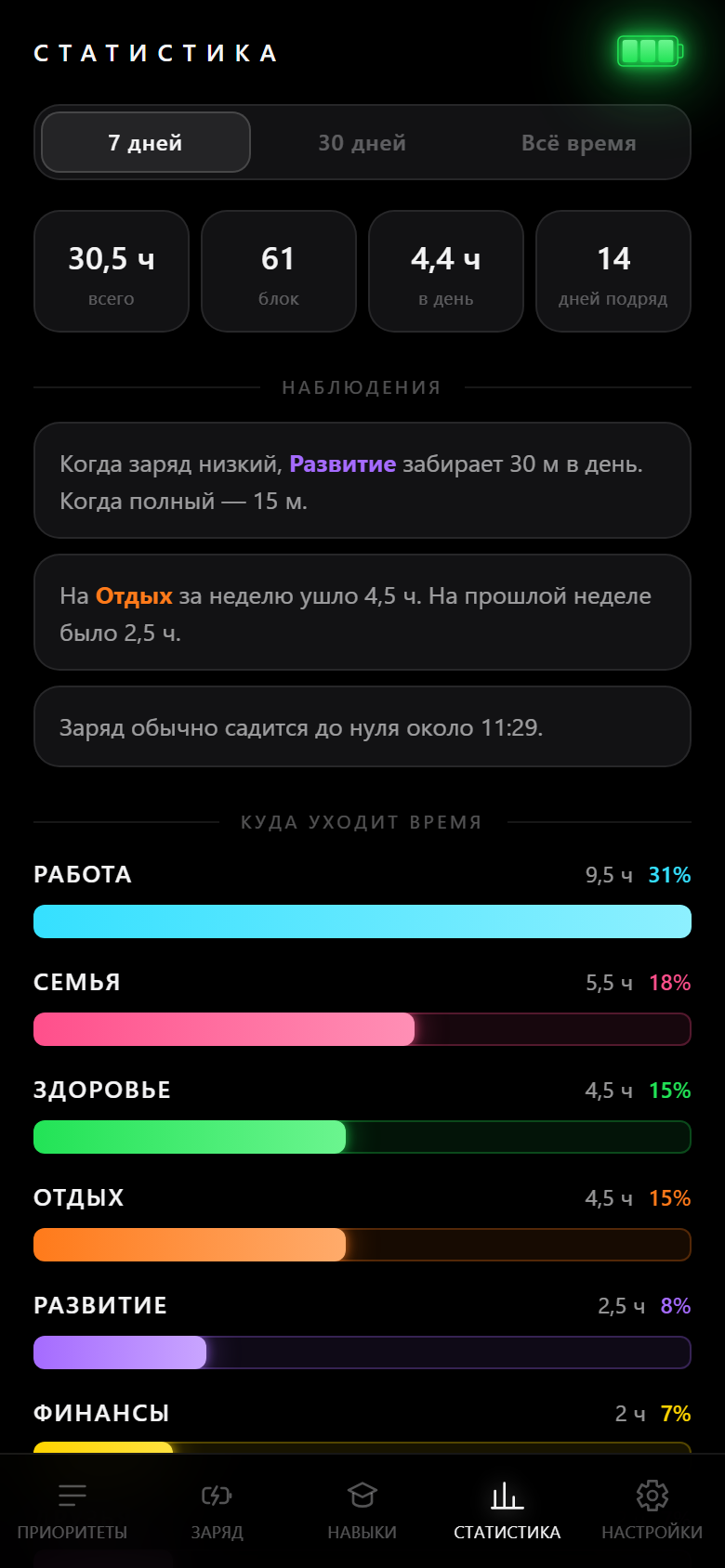
After 7 days the picture is there: where the tilt is, what takes your energy, where you are actually growing. Facts, built on numbers.
What you change is not the app but the arrangement: drop what eats time and gives nothing back, add what all of it was for.
Now you are moving where you really wanted to. The skills grow, and the energy stops draining into nowhere.
What do I actually spend my time on?
Bars by direction for a day, a week and a month. The leader is always full width, so the tilt is visible without doing any math.
What takes my energy, and what gives it back?
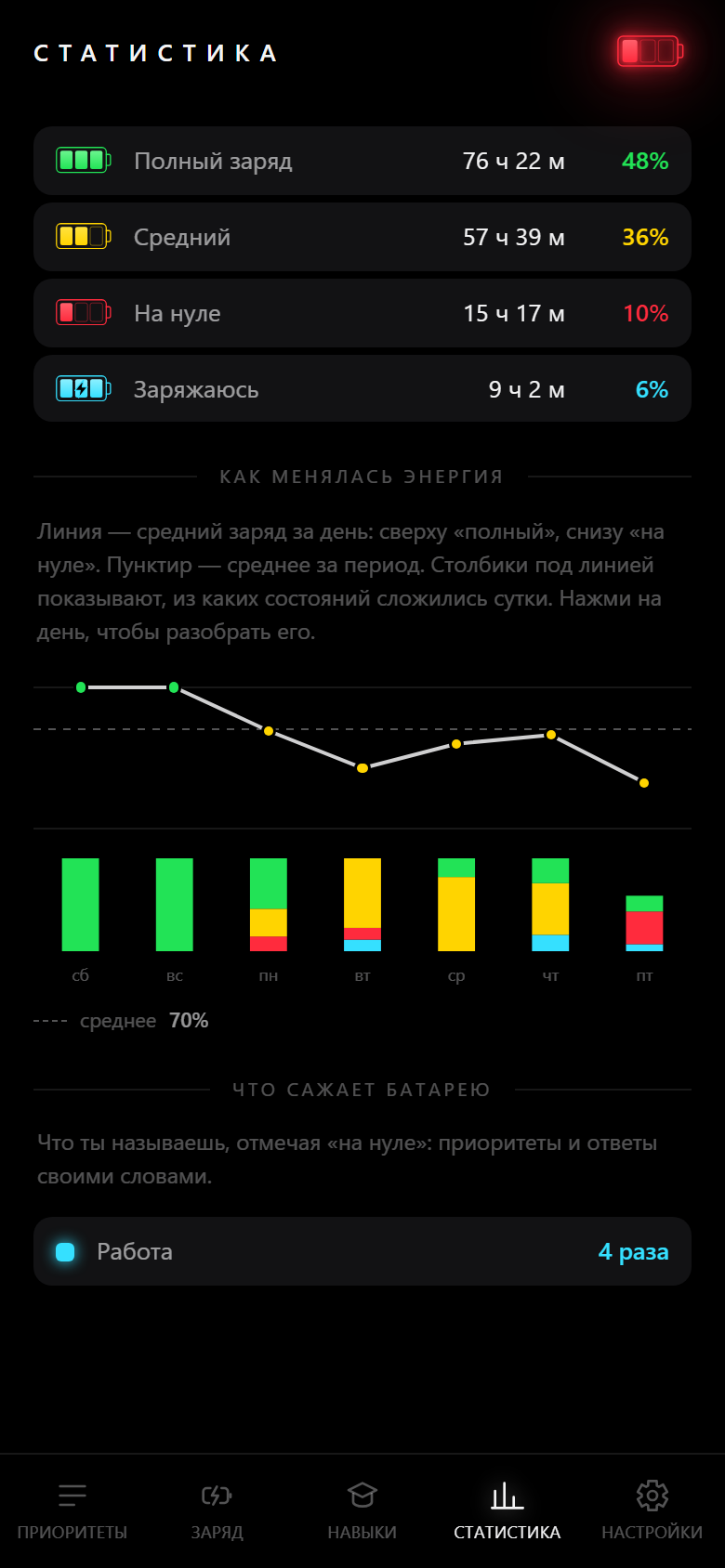
Every time you run to empty, the app asks why. A month later the answers add up into a list — and the top line is usually the same one.
How much energy do I have through the day, and how does it move?
How many hours you lived in each state, when your battery usually runs down, and how your average charge moved from week to week.
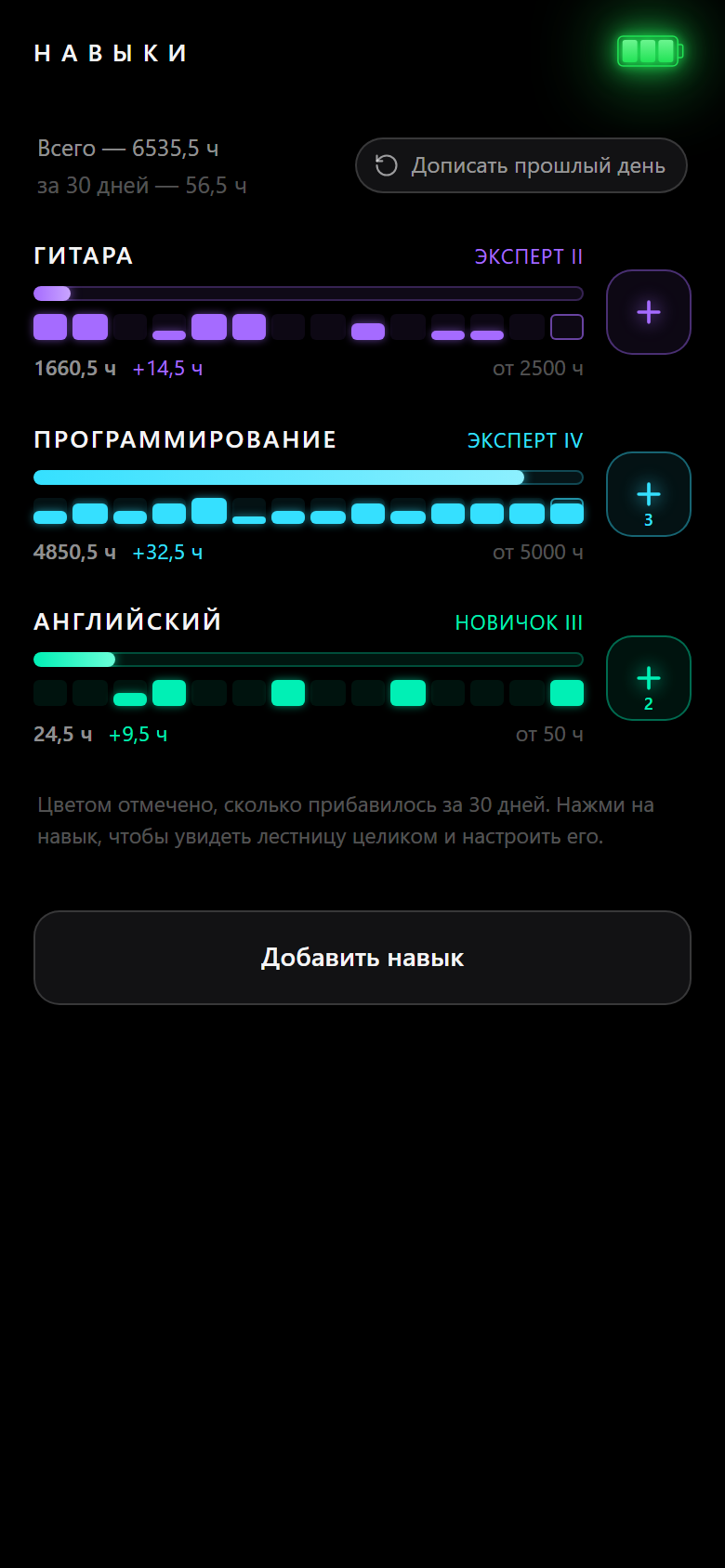
Which skills do I have, and at what level?
A step from novice to master for every skill, the hours collected and the pace over 30 days — including the years that came before the app.
Now you can actually see yourself moving toward what you wanted.
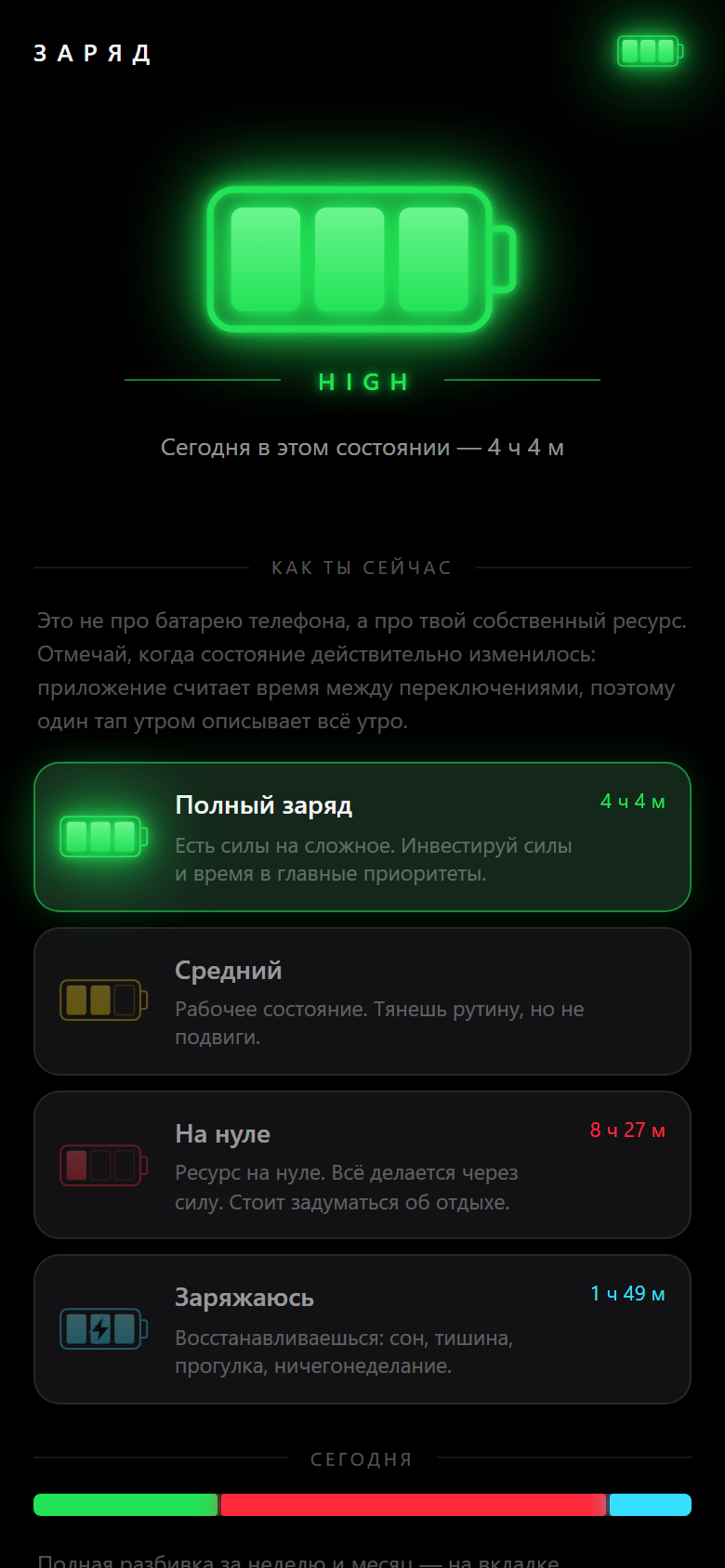
Your own energy
How much energy do you really have through the day, and what exactly is taking it?
HIGH
You have it in you for hard things. Take on what needs a head.
MEDIUM
Working order. Routine is fine, heroics are not.
LOW
Nothing left in the tank. Whatever gets done now gets forced.
CHARGING
You are refilling: sleep, quiet, a walk, doing nothing.
All you mark is the moment the state changed — the app counts the time between switches itself. One tap in the morning describes the whole morning, and by evening you have the day laid out without filling in a single form.
What it does
My Priorities
My Charge
My Skills
My stats and observations
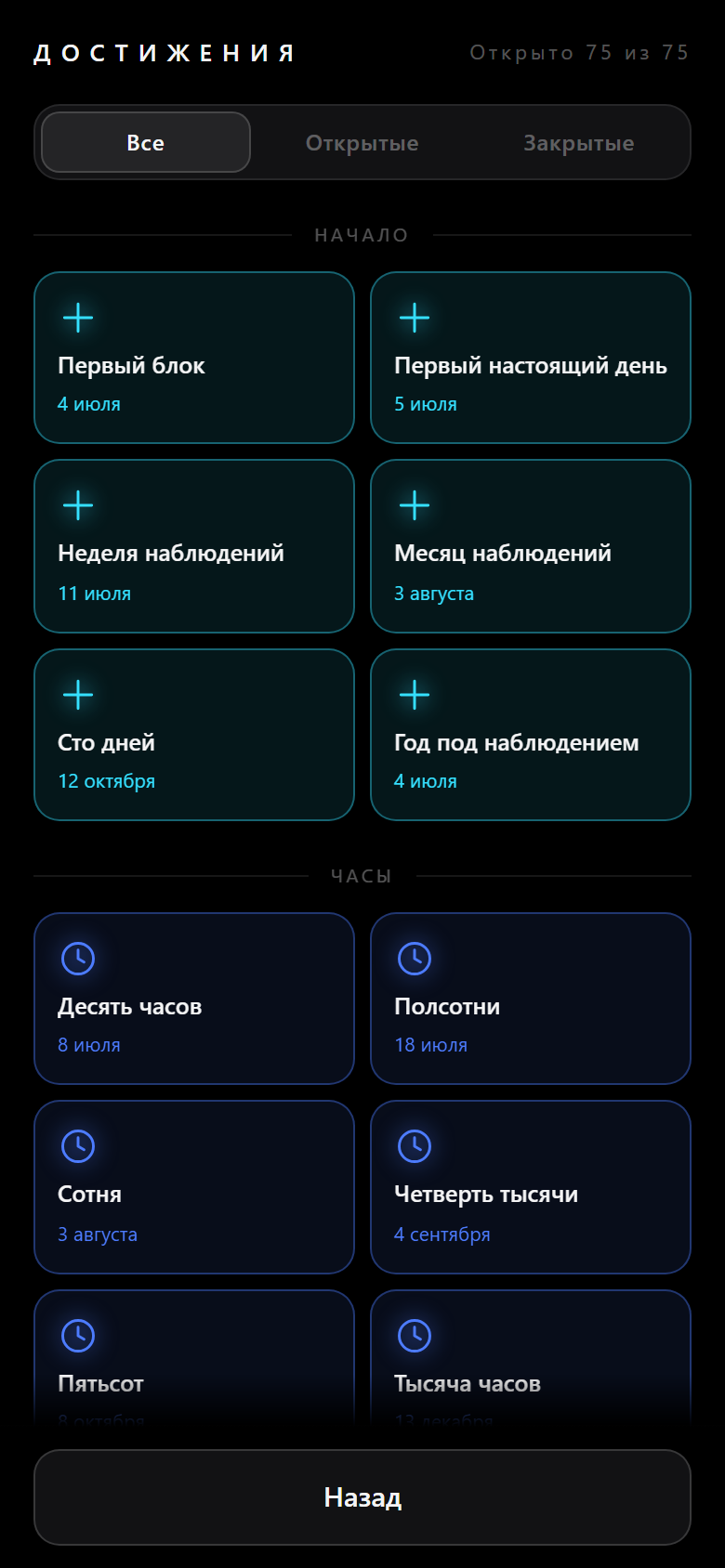
My achievements
Want to try?
Three ready stories — the same app, only filled in for you. Open the one that looks like you and take a look at it from the outside.
Before you start